Rankings · Audio & Video · Updated August 11, 2026
Best gaming monitors under 350 euros
August 2026 ranking
Gaming monitors under 350 euros don’t have to mean compromising on performance. This guide highlights the models that deliver the best balance of smoothness, color accuracy, and responsiveness without breaking the bank. Find out which one suits your needs and why.
Re-sort the ranking
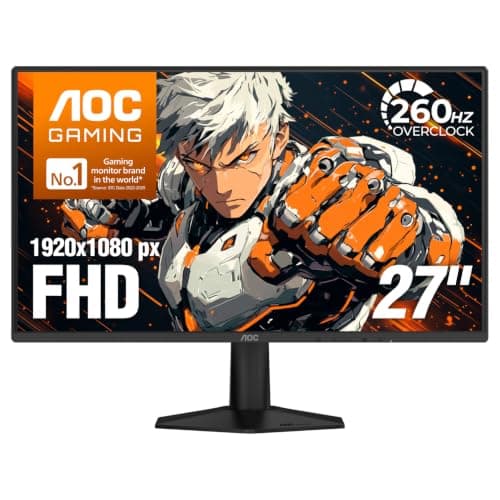
AOC
27G51Z
Native 240Hz, IPS, and HDR for under 170 euros
Our score
$178.36
 View on Amazon →
Pros
- +**Native 240Hz** (overclockable to 260Hz) for extreme smoothness in competitive games
- +**IPS panel** with wide viewing angles and vibrant colors (120% sRGB)
- +**Frameless design on 3 sides** for an immersive experience
- +**FreeSync Premium** compatible to eliminate screen tearing
Cons
- -HDR is only **HDR10** with a max brightness of 300 nits (limited effect)
- -Stand is not height-adjustable (tilt only)
Verdict
The AOC 27G51Z is the best gaming monitor under 350 euros for those seeking high performance without breaking the bank. With native 240Hz, a quality IPS panel, and an aggressive price, it’s perfect for competitive gamers who want maximum smoothness. The HDR is just for show, but at this price, it’s an acceptable trade-off. If you play *CS2*, *Valorant*, or *Fortnite*, this monitor is a safe bet.
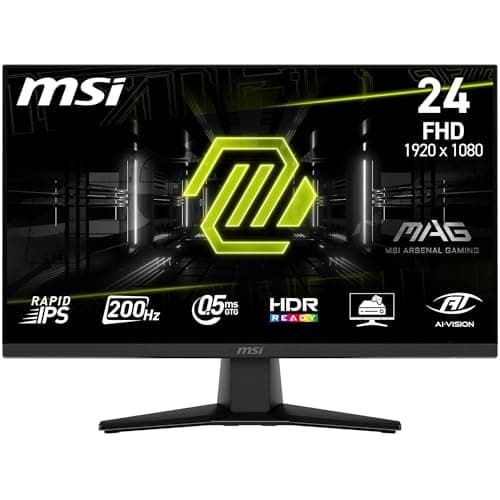
MSI
MAG 242F
200Hz and Rapid IPS for under 110 euros
Our score
$118.81
View on Amazon →Pros
- +**200Hz** for excellent smoothness in competitive games
- +**Rapid IPS panel** with **0.5ms MPRT** response time
- +**Frameless design** and **VESA-compatible** for arm mounting
- +**Eye Care technology** to reduce eye strain
Cons
- -Max brightness of **250 nits** (a bit low for very bright rooms)
- -Height not adjustable (tilt only)
Verdict
The MSI MAG 242F offers the best value for money in this range. With 200Hz, a fast IPS panel, and a price under 110 euros, it’s perfect for gamers who want a responsive monitor without overspending. The brightness is average, but at this price, it’s a minor trade-off. If you play *League of Legends* or *Rocket League*, this monitor delivers everything you need without unnecessary features.
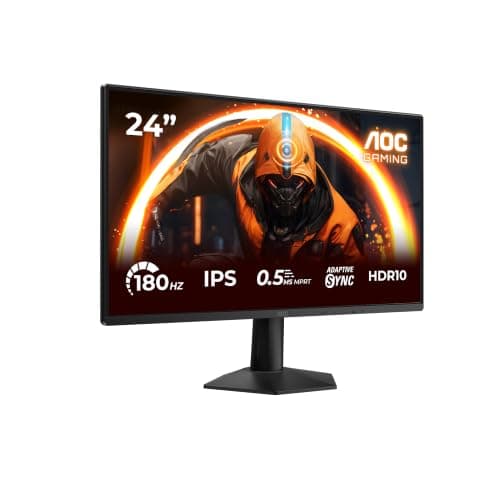
AOC
24G50F
180Hz and HDR10 at a budget-friendly price
Our score
$172.18
View on Amazon →Pros
- +**180Hz** for excellent smoothness in competitive games
- +**IPS panel** with vibrant colors and wide viewing angles
- +**G-Sync compatible** to eliminate screen tearing
- +**Slim design** and height-adjustable stand
Cons
- -**4ms GTG response time** (not ideal for the fastest games)
- -HDR is only **HDR10** with a max brightness of 250 nits (limited effect)
Verdict
The AOC 24G50F is a solid choice for those looking for a budget-friendly yet reliable gaming monitor. With 180Hz, a quality IPS panel, and a price under 160 euros, it offers a great balance between performance and cost. The response time isn’t the fastest, but it’s more than sufficient for most games. If you want a versatile monitor that’s also good for work, this model is a great option.
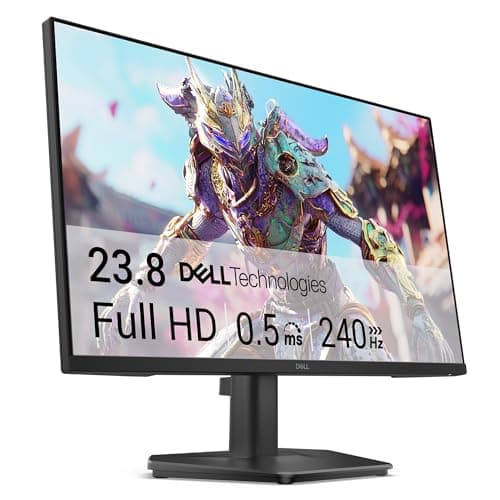
Dell
SE2426HG
240Hz and Fast IPS at an affordable price
Our score
$118.81
View on Amazon →Pros
- +**240Hz** for extreme smoothness in competitive games
- +**Fast IPS panel** with quick response times
- +**Compact design** and height-adjustable stand
- +**FreeSync compatible** to eliminate screen tearing
Cons
- -Max brightness of **250 nits** (a bit low for bright rooms)
- -No **HDR** (not even basic)
Verdict
The Dell SE2426HG is a great option for those looking for an affordable gaming monitor with high performance. With 240Hz and a Fast IPS panel, it delivers excellent smoothness for competitive games. The lack of HDR is a shame, but at this price, it’s an acceptable trade-off. If you play *Call of Duty* or *Overwatch*, this monitor will give you a competitive edge without breaking the bank.
AOC
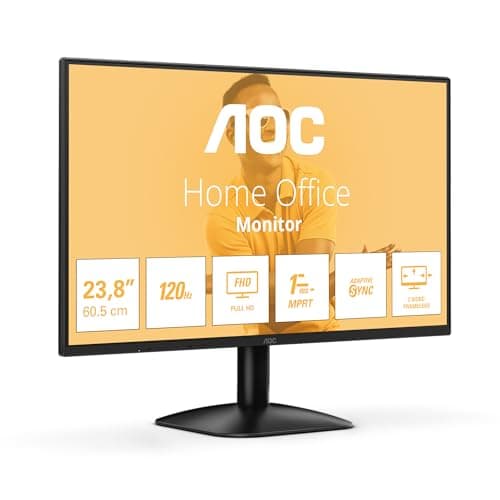
24B31H
120Hz and IPS for under 70 euros
Our score
$75.93
View on Amazon →Pros
- +**120Hz** for smoother gameplay than standard 60Hz
- +**IPS panel** with decent colors and wide viewing angles
- +**Slim design** and **VESA-compatible** for arm mounting
- +**Ultra-affordable** price for an entry-level gaming monitor
Cons
- -**4ms GTG response time** (not ideal for fast-paced games)
- -No **FreeSync/G-Sync** (risk of screen tearing)
Verdict
The AOC 24B31H is the cheapest gaming monitor you can find without completely sacrificing quality. With 120Hz and an IPS panel, it’s a good starting point for those who want to experience higher refresh rates without spending much. The lack of adaptive sync is a limitation, but for under 70 euros, it’s hard to ask for more. If you play *Minecraft* or *The Sims*, this monitor will do the job just fine.
The PREXO editorial team · 3 min read
Buying guide
What really matters in a budget gaming monitor
When your budget is tight, every technical detail counts. Here’s what to focus on to make the right choice.
Refresh rate: Above 144Hz, gaming feels significantly smoother, but under 350 euros, you’ll often find monitors capped at 180-240Hz. That’s not a dealbreaker: at 1080p, even 180Hz makes a noticeable difference compared to a standard 60Hz monitor. If you play competitive titles like Valorant or CS2, aim for at least 200Hz.
Response time: The ideal is 1ms GTG (Gray to Gray), but many budget monitors list 4ms or 5ms. In reality, the difference between 1ms and 4ms is minimal in gameplay—your eyes won’t notice it. What’s more important is the panel type: IPS or VA are better than TN, which suffer from poor viewing angles and dull colors.
Panel quality: An IPS panel offers vibrant colors and wide viewing angles, while a VA panel delivers deeper blacks but may suffer from ghosting (trails in fast-moving images). Avoid TN panels: they’re fast, but colors look washed out, and viewing the screen from the side is uncomfortable.
Connectivity: At least one HDMI 2.0 port and a DisplayPort 1.2 are essential. If you use a next-gen console (PS5 or Xbox Series X), check that the monitor supports 120Hz via HDMI 2.0. Some budget models only have HDMI 1.4, which limits refresh rates to 60Hz at higher resolutions.
Mistakes to avoid when choosing a budget gaming monitor
- Opting for a 27-inch 1080p monitor: At this size, pixel density is low, and the image looks pixelated. A 24-25-inch model keeps the picture sharp without forcing you to spend more on a 1440p display.
- Ignoring GPU compatibility: If you have an NVIDIA graphics card, check for G-Sync (even the compatible version). For AMD, look for FreeSync Premium. Without sync technology, you risk screen tearing (split images).
- Trusting price alone: A 150-euro monitor isn’t automatically better than a 200-euro one. Always check refresh rate, response time, and panel type before buying.
- Overlooking ergonomics: Many budget monitors have limited stand adjustments. If you spend hours in front of the screen, look for a model with height adjustment or VESA compatibility for mounting on an arm.
- Underestimating speakers: Almost all budget gaming monitors have poor built-in speakers. If you don’t want to use headphones or external speakers, look for a model with at least 2W per channel (but be prepared for disappointment).
Frequently asked questions about gaming monitors under 350 euros
Is 1080p or 1440p better in this price range?
Under 350 euros, 1080p is the better choice. A budget 1440p monitor would likely have a low-quality panel with poor colors and limited refresh rates (often 75-100Hz). At 1080p, you can find monitors with 240Hz and decent IPS panels.
Are curved monitors worth it?
In this price range, no. Budget curved monitors often use VA panels with ghosting issues and limited viewing angles. If you want an immersive experience, wait until you can spend at least 400-500 euros on a model with a good panel and moderate curvature (1500R or less).
Can I use a gaming monitor for work?
Yes, but it depends on your work. An IPS monitor with good sRGB coverage (at least 90%) is fine for light photo or video editing. If you work with text or spreadsheets, a monitor with a blue light filter and anti-flicker technology (like those with Eye Care certification) reduces eye strain.
How long does a budget gaming monitor last?
With normal use (8-10 hours a day), a gaming monitor under 350 euros should last 4-5 years without issues. IPS and VA panels are more durable than TN, but all can suffer from burn-in if left on with static images for too long. Use a screen saver and turn off the monitor when not in use.
Keep going from here.
More rankings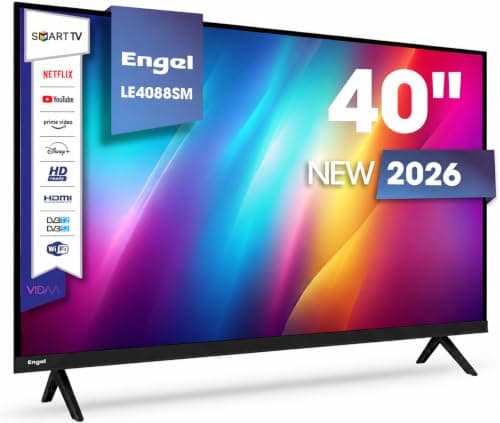
Best 40-inch TVs under 300 euros
Finding a 40-inch TV that balances budget and performance is challenging. We have scoured the current Amazon catalog to identify models that excel in image quality and smart features. By following this guide, you will be able to select the ideal device for your home, ensuring a solid long-term investment.
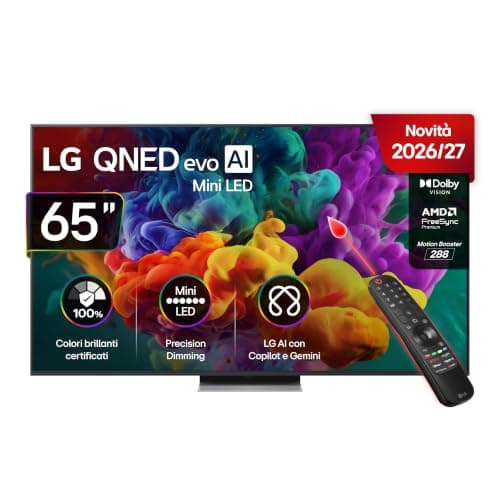
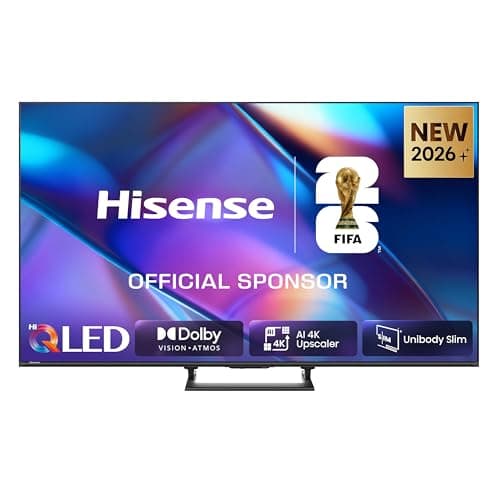
Best 65-Inch LCD TVs Under €1000
Finding a great 65-inch television that delivers stunning pictures without breaking the €1000 barrier requires some smart digging. We analyzed and compared the most promising LCD, QLED, and MiniLED models currently available. By the end of this guide, you will know exactly which screen fits your living room layout and budget.
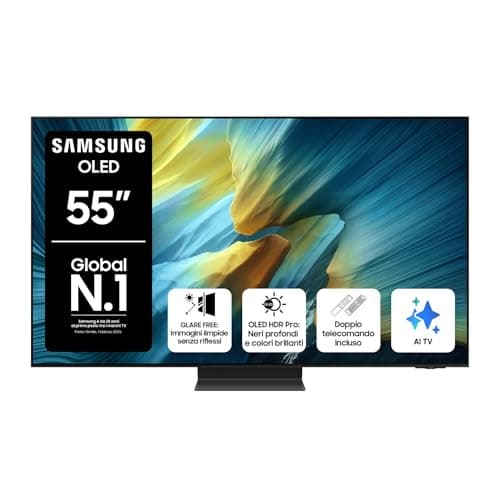
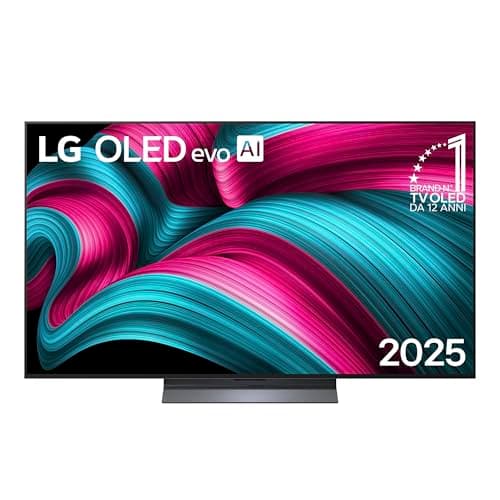
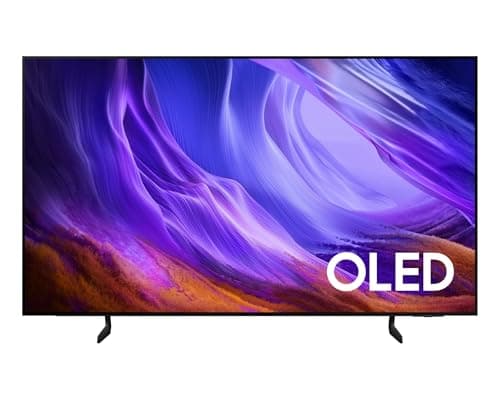
Best 55-Inch OLED TVs Under 1500 Euros
Finding a high-performance 55-inch OLED TV under 1500 euros gives you access to stunning visual technology without breaking the bank. We evaluated the top options on the market, comparing peak brightness, smart software, and low-latency gaming. By the end of this comparison, you will easily pinpoint the ideal screen for your home theater setup.